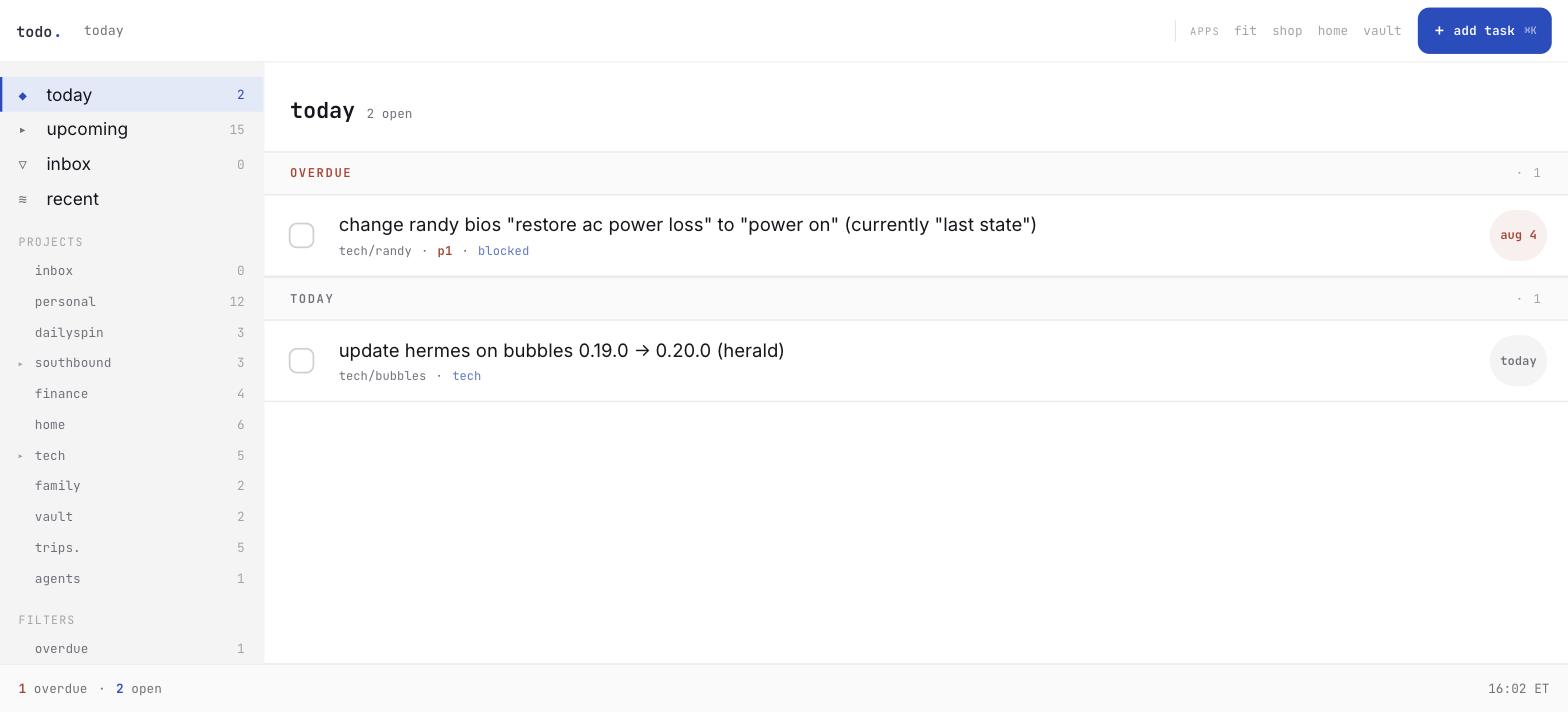
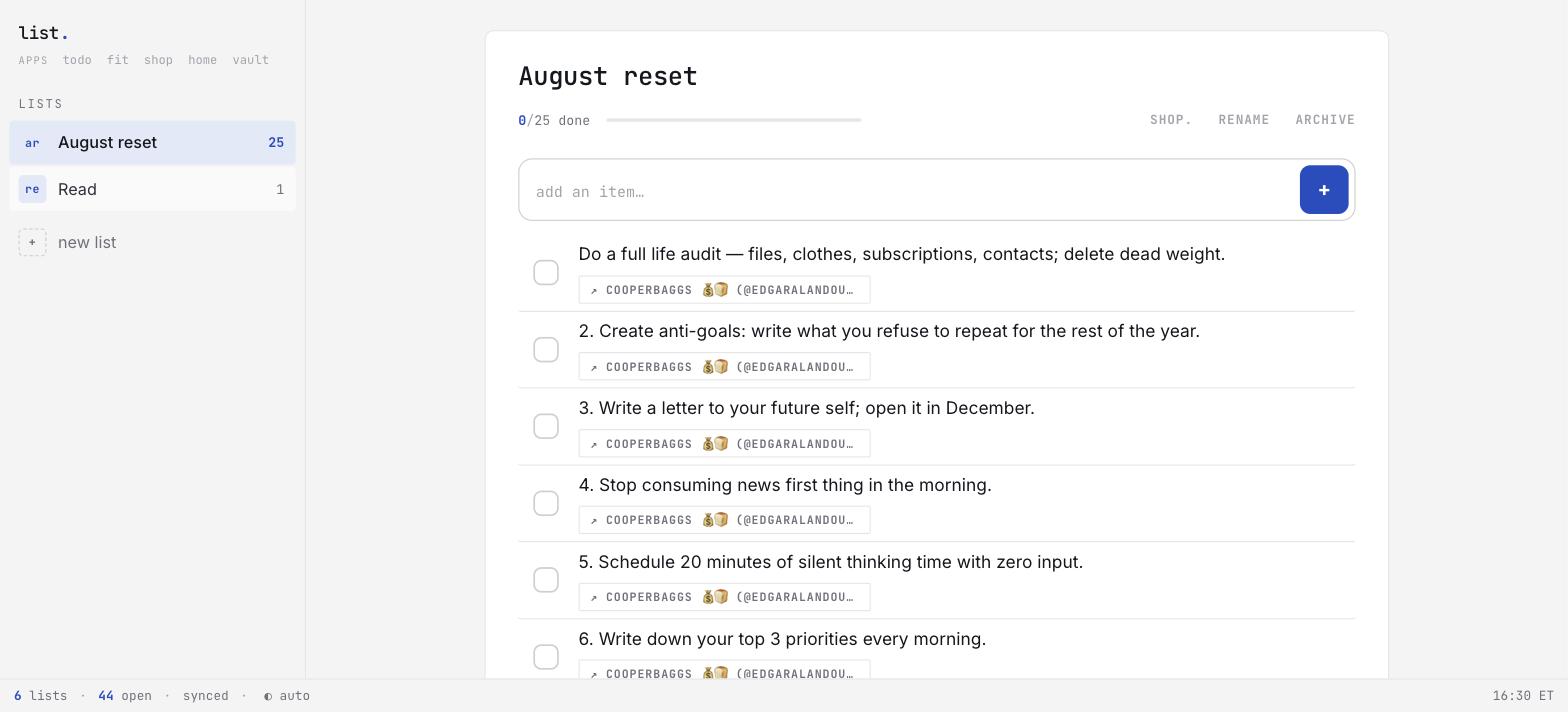
There are nine apps now. Tasks, groceries, general lists, workouts, golf, what to watch, trips, the house, and my notes. All names are lowercase. All names end in a period. All apps run on the server in my closet: todo. shop. list. fit. golf. watch. trips. home. vault.
I did not plan to build nine apps. I planned to stop paying for the fourth mediocre one. Getting older and the number of things you self-host are directly correlated.
Why I did not buy them
Commercial family-logistics software has a structural problem. It is built for tenants. My family is not a tenant.
A grocery app must support account creation, password resets, billing, invitations, permission tiers, and abuse prevention. My users are four people who live in the same house and trust each other completely. All of that machinery is overhead. The core problem is a list of strings that two phones and an Echo must agree on.
The apps also do not talk to each other. That is the real pain. Our shopping list lived on Alexa, on my phone, and on my wife’s phone. The three lists never agreed. Movie night was worse. Our want-to-watch data was split across a streaming watchlist, Letterboxd, and Trakt.
None of those services knew what our local library held. So the recommendations surfaced movies we owned or had watched. None of these problems are hard. They are nobody’s problem, because no vendor owns both ends.
The fleet has no login screens. Access to the network is the authentication. I wrote about this before. A single-family app on a private network does not need a doorman. Each login screen you do not build is a session bug you do not debug.
The fleet
todo. replaces Todoist: a self-hosted task backend with a hand-built front-end on top. shop. is the shopping list. It syncs two ways with Alexa, so a voice add from either house lands in the same place as a typed one. list. holds collections that are not groceries and not dated tasks — packing lists, gift ideas, books. fit. logs workouts.
watch. owns the want-to-watch state and decides what plays tonight. trips. builds itineraries from live resort availability. vault. publishes my notes. home. is the house.
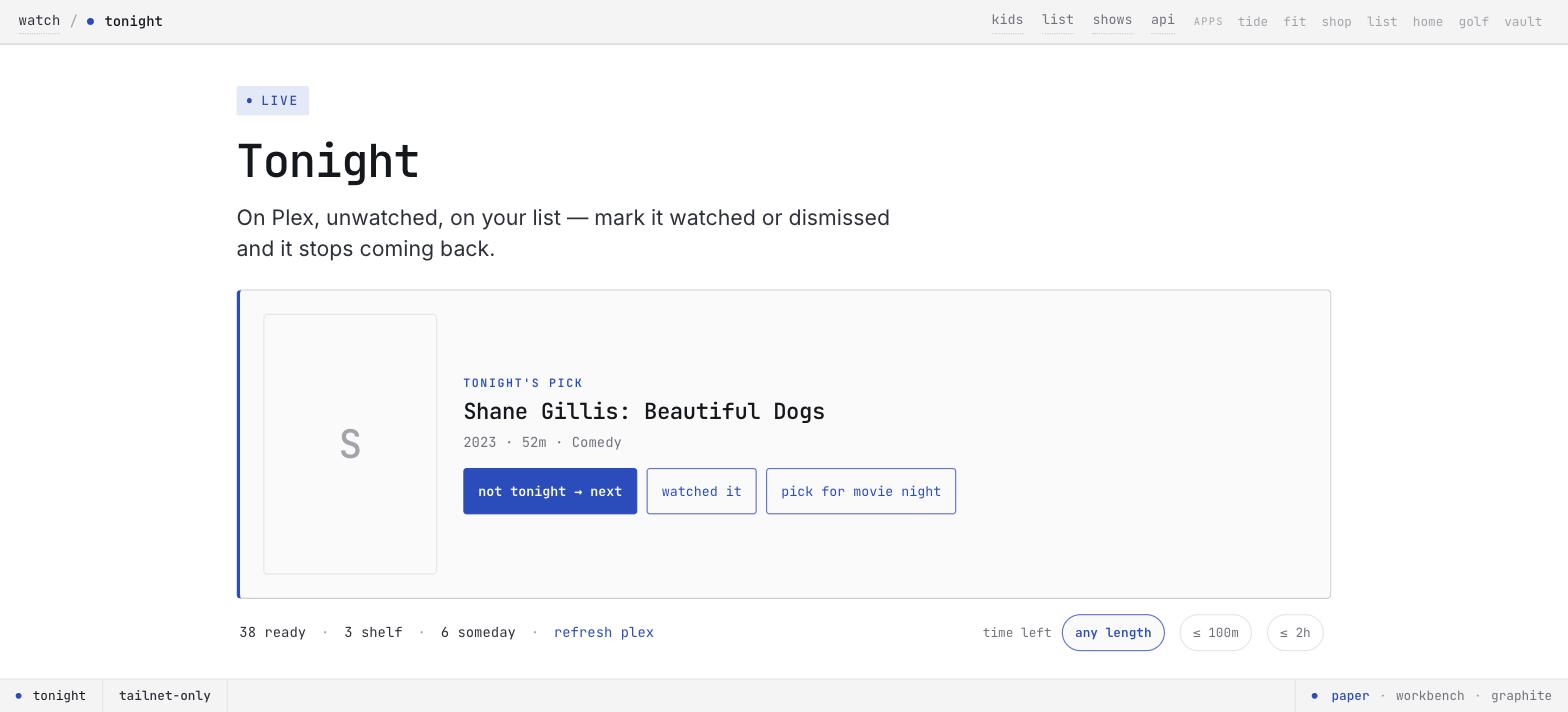
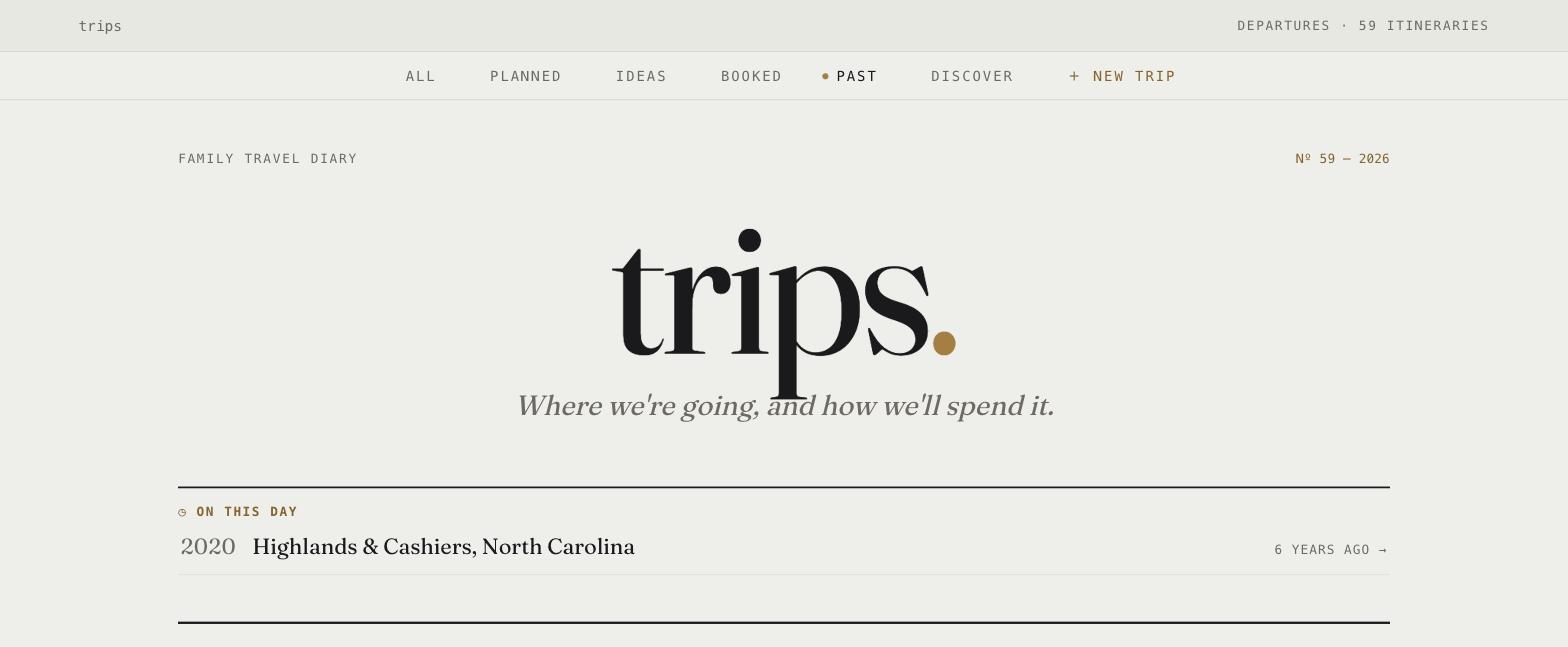
The naming is deliberate. One lowercase word, one blue period. On a home screen, the apps read as a family before you read one label.
The stack is boring on purpose
There are two patterns. Both are dull.
Most apps are Node 22 + Hono + better-sqlite3 in WAL mode, with a Vite + Svelte 5 PWA front-end. A few older apps are Astro with the Node adapter. Each app is one container, one SQLite file on the pool, and one Caddy block.
The sameness is the trick. The infrastructure cost is paid, so app number nine costs a schema, some routes, and an afternoon. list. went from “we need a place for packing lists” to deployed in one day. There was nothing to decide. The stack, the deploy command, the backup story, the health-check convention, and the design system were already answers.
If I did this again, I would pick the boring stack even faster. Variety in a personal fleet is a tax. You pay it at every context switch.
The AI is small, cheap, and writes its answers down
Every app that uses a model uses the cheapest fast one, for one narrow job. Each app also caches the result permanently, so it never asks twice. The cache is what keeps it cheap.
shop. sorts items into aisles. Grocery stores standardized aisle order at a 1968 summit. That is why no two stores match. A keyword map runs first and costs nothing. Only a miss fires an async Haiku call. The call re-categorizes the item and pushes the change live over SSE, so you watch the item hop aisles. The call also writes the answer back into the keywords table.
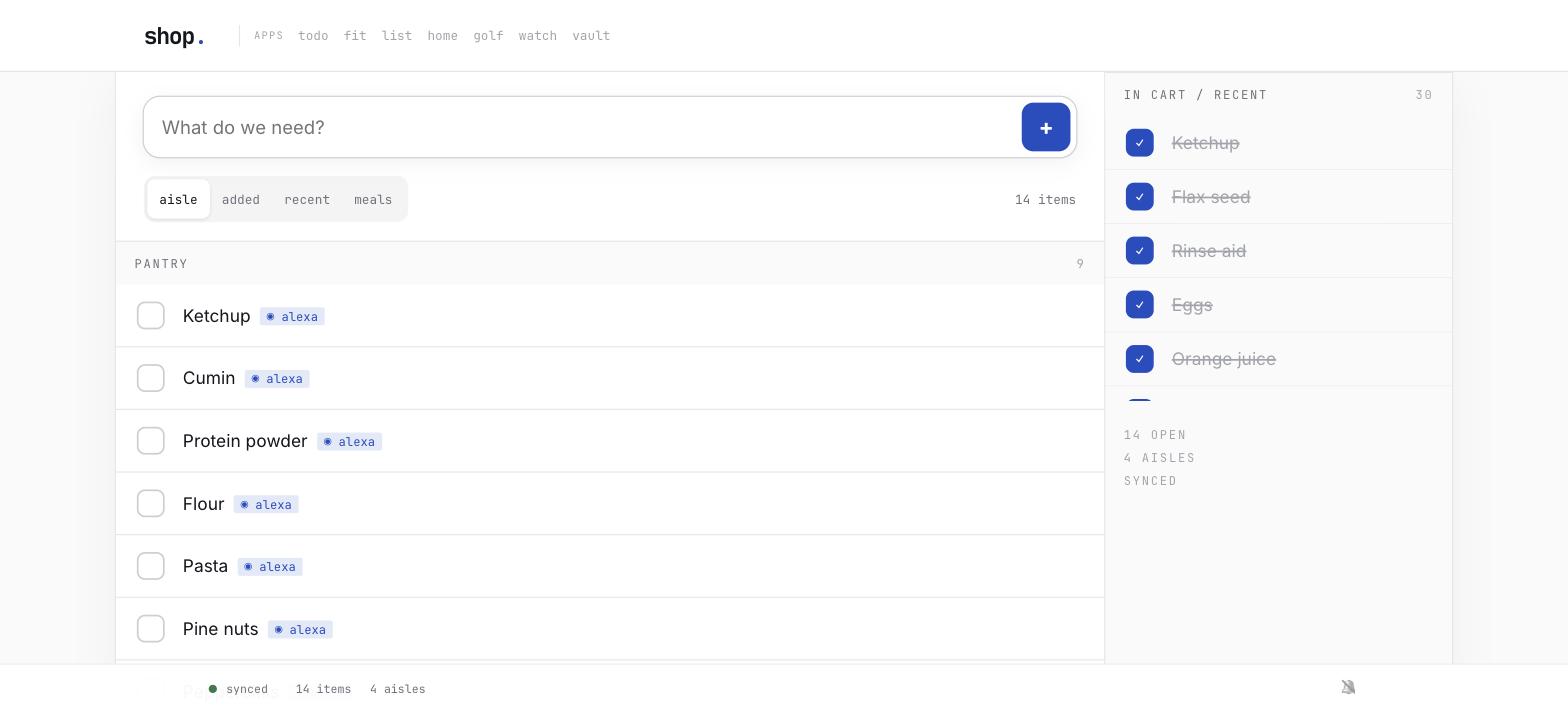
Each item name is asked exactly one time, ever. The system gets cheaper the longer it runs. The API spend trends toward zero. The same one-ask pattern makes names canonical, so “OJ” and “orange juice” stop being four different products in the history.
todo. runs a triage service. It polls the inbox every 20 seconds and classifies each new task: project, up to three labels, priority, due date. I learned four things while I made that service trustworthy.
It explains itself. Every filed task gets a comment: ”→ Finance — HOA payment is a financial obligation.” When it is wrong, you can see why. That is the difference between fixing it and losing faith in it.
It only fills gaps. It never overrides anything you typed: title, priority, due date, labels. It discloses its additions in the same comment. An assistant that quietly rewrites your input is worse than no assistant.
It has a world-knowledge file. Triage once filed “better ha ui” to my laptop. Its reason: UI work happens on the MacBook. It could not know that Home Assistant runs on the server. No prompt change could fix that.
The answer was a context.md file that the service injects into every classification. The file maps machines to services, and it lists the people and the properties. It ends with a meta-rule: service work routes to the machine that runs the service. The file reloads on its modification time, so an edit changes the next classification with no rebuild. The file is capped at 8,000 characters. The cap is a useful forcing function.
Corrections are training data. When I move a task by hand, the correction lands in a log. The log becomes few-shot examples. I tightened the pickup window from six hours to fifteen minutes. A fix I make now teaches the model this afternoon.
I hit one anti-pattern. Saved filters in the task backend appear as pseudo-projects. So “Today” and “Overdue” were valid classification targets, and the model sometimes filed a task into a view. I excluded the views from the routing enum. That fixed a class of misfiling that no amount of prompt tuning would fix.
Consistency beats polish
The fleet shares one design system. JetBrains Mono and Inter, one blue, no shadows, and a corner radius capped at 4px. The metaphor is an IDE: the top bar is a tabbar, and the bottom bar is a modeline that also shows the sync status.
The fleet also shares one app-icon template, specified down to a baseline formula. The spec lives in the design-system post. So does the sizing rule that makes short and long names look like siblings. So does the icon-lineup test that caught my own shipped icons in drift.
The short version of that lineup test: the template was tighter than the family it came from. That is my favorite result of the whole project. The design system had become more correct than the apps that implement it.
PWA delivery is its own discipline
I shipped a new icon across nine installed apps. The lesson: favicons and installed-app icons are separate cache surfaces, and an updated file is not enough. A five-step release checklist worked in the end: version every icon reference, check the generated HTML, and verify the live bytes after each deploy. The checklist is in the design-system post, with the Vite plugin behavior that made the middle step necessary.
Service workers bite the same way. A stale worker precaches dead asset hashes. Then the install fails, never activates, and push notifications hang forever. The fix is no-store on the service worker and the shell, plus a per-build version query on the registration. Both halves matter. Remove either one, and the bug returns.
What I got wrong
home. is the flop. I built a standalone house app to replace the Home Assistant dashboard. An audit made me stop. The app duplicated authentication, WebSocket state, entity discovery, and service calls. It was a second, worse implementation of a thing that already worked.
I had also let the underlying setup rot: 228 devices, and only 32 assigned to areas. So I deleted the ambition. I redesigned the native dashboard instead, and I left the app online as a fallback. Optimize the thing you have. That beats the maintenance of a second version of it.
A schema migration once took shop. down for two minutes while 228 tests stayed green. The full confession is in the shopping-list post. The lesson became a regression test. Migration tests need an existing-database-shape case, not only fresh-install and idempotence cases.
One deploy problem I wish on nobody: docker compose up -d --build does not reliably recreate the container on this host. The image rebuilds and tags correctly. Compose reports the container as Running. The container serves the old code. Now I verify the container’s image ID against the just-built one after every deploy. A successful deploy and the new code in service are two different things.
Nine apps, four people, one closet. The apps are not impressive one by one. Several still have seams I can see from across the room. Together, they are also the most fun I have had with computers in years. And the family keeps using them, which is the only review that counts.